
Salesmsg Click Tracking brings every link you send into one view. Compare clicks by channel, track CRM automation messages, analyze clicks by country and device, and export reports.
Analyze Every Link You Send in One Place
View every link you have sent, along with its clicks, click rate, and credit cost, in a single Salesmsg report.

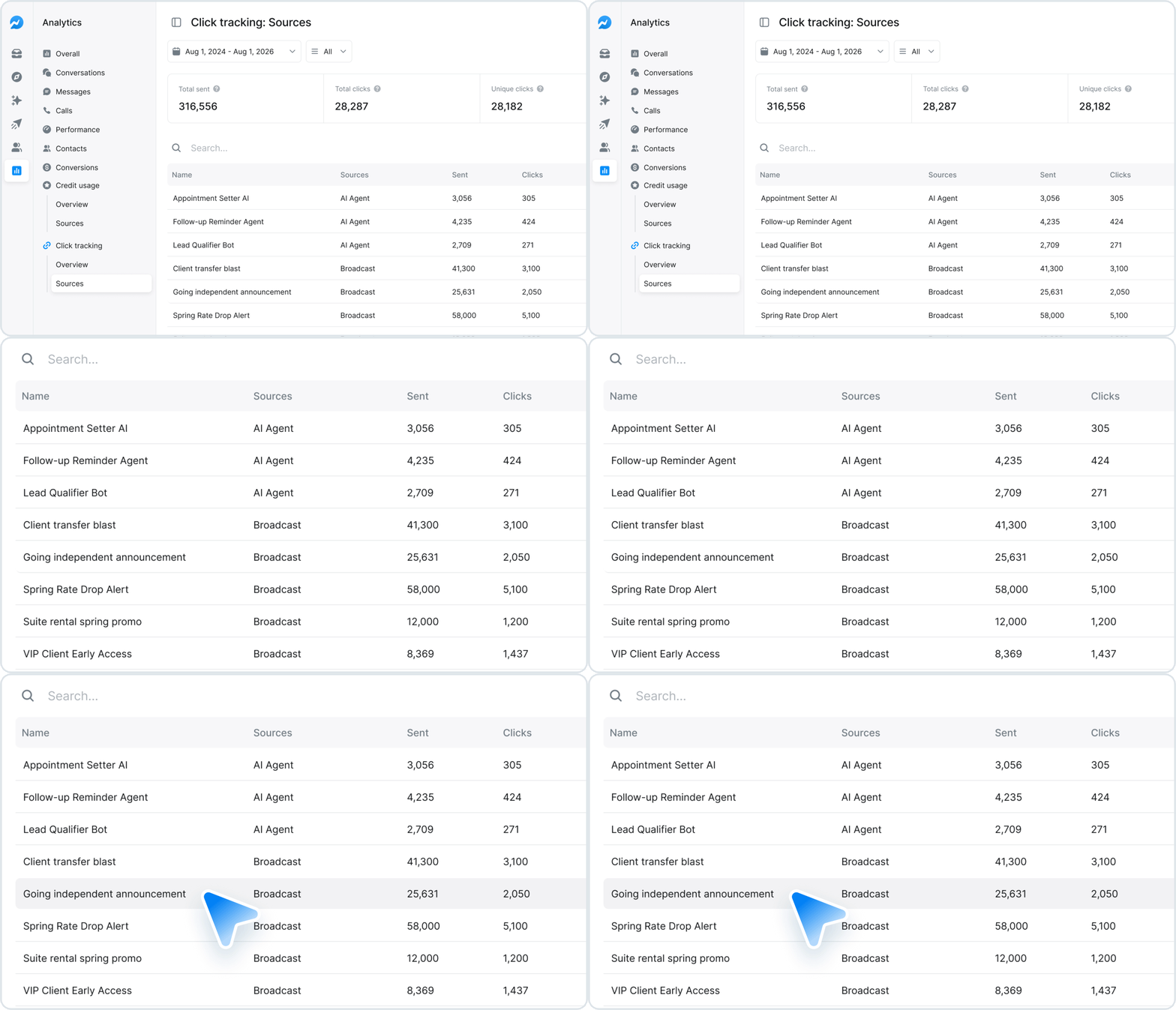
Compare Click Performance by Channel and Source
Identify which channels generate the most engagement, then review how any individual broadcast, campaign, or survey performed.
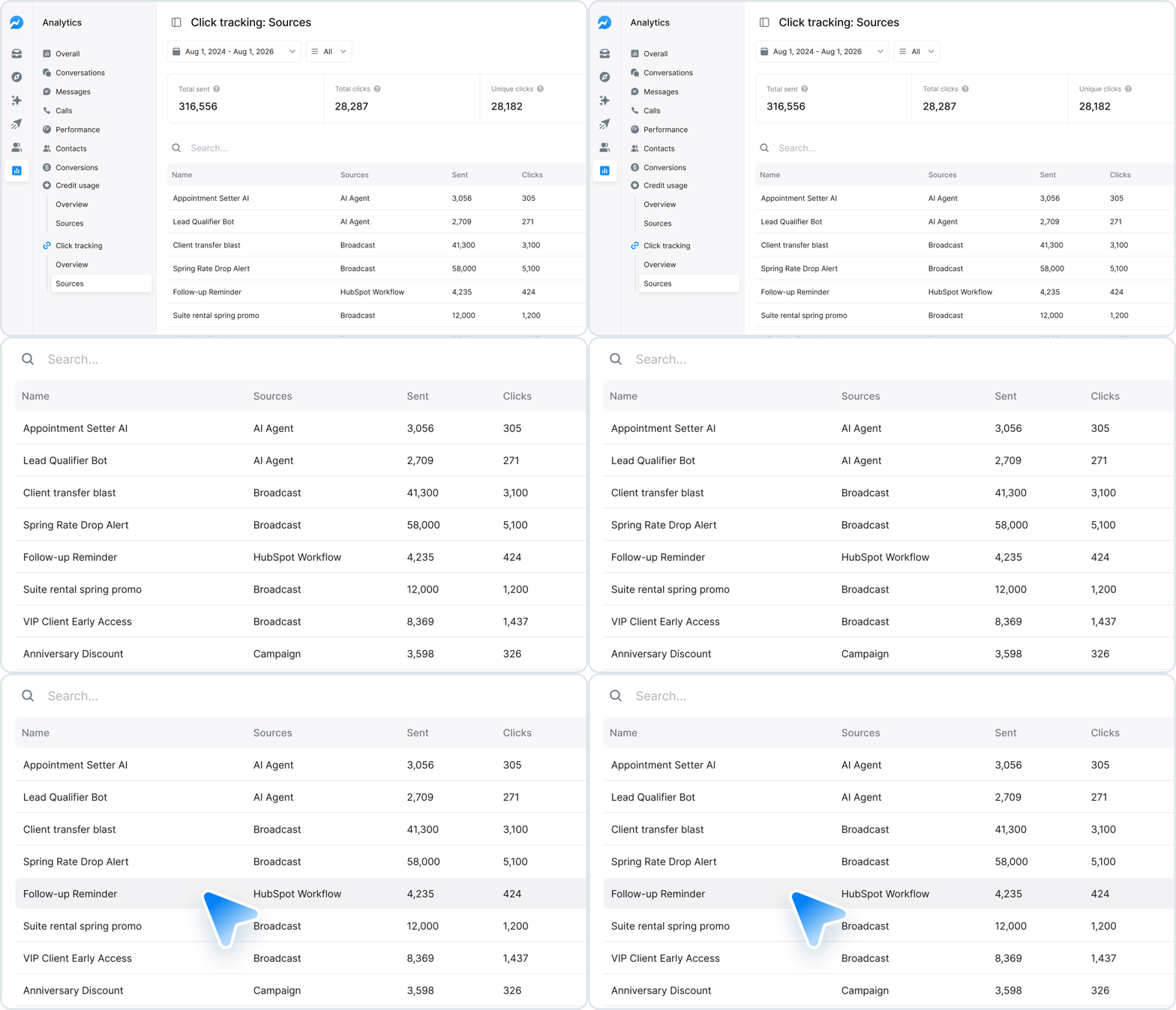
Track Clicks From Your CRM Automation Texts
Measure clicks on links in messages sent by your HubSpot, Salesforce, ActiveCampaign, and Keap automations, alongside all of your other links.
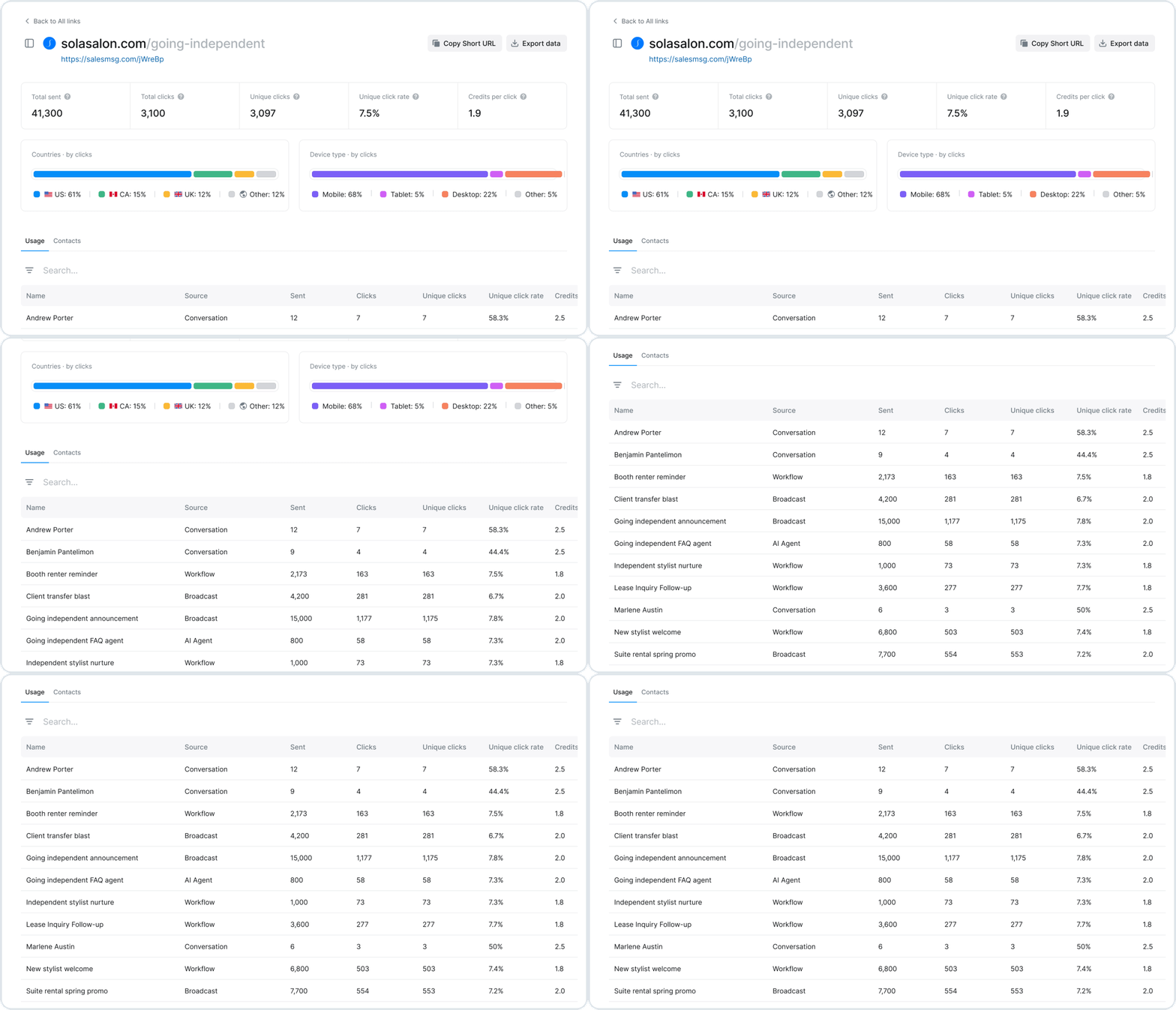
Analyze Where Every Click Comes From
Open any link to see clicks by country, device, and send, then export the report to share with your team.
Turn a Link’s Audience Into Your Next Campaign
Engage the contacts who received your link through a campaign, call list, or AI Agent conversation in just a few steps.
